
What Happens When Your Interactive Display Outlives Its Software?
Published on
Jul 22, 2025
Eddie Smyth

What happens when the “easy tech” makes things harder?
For IT teams managing Surface Hub v1 and v2 devices, 2025 has raised an unavoidable question:
What do we do now that support is ending?
These screens might still function just fine. But the underlying PC modules are aging out, and that means increased risk, limited updates, and loss of support for the collaboration tools your teams rely on.
But here’s the thing: just because the software is reaching end-of-life doesn’t mean the hardware has to.
The Smart Alternative to Replacing Your Surface Hub
Rather than replacing your Surface Hub v1 or v2 before the October end-of-life deadline with brand-new large-format hardware, there’s a more practical, cost-effective route:
Repurpose the display and simply upgrade the built-in PC.
This approach turns your Surface Hub into a high-performance, touch-enabled display connected to a modern Windows PC. And with the right tools, your rooms stay productive, without the need for expensive, full-room upgrades.
What You Gain When You Don’t Replace
Swapping out your Surface Hub may feel like the easiest fix. But for many IT teams, it’s not the smartest one.
By extending the life of the hardware you’ve already invested in and upgrading the experience with Launcher, you save on cost, stay secure, and avoid the pitfalls of vendor lock-in.
Here’s what that looks like in practice:
Cost-effective upgrades: Replace the PC, not the entire system
Freedom to choose: Use the tools your teams prefer – Teams, Zoom, Webex and more
Enterprise-ready: Security and sign-out controls built for shared spaces
Up-to-date, always: Stay current with updates and future-proof functionality
Easy for everyone: Familiar touchscreen experience, no need to retrain
Sustainable strategy: Reduce waste, extend your investment
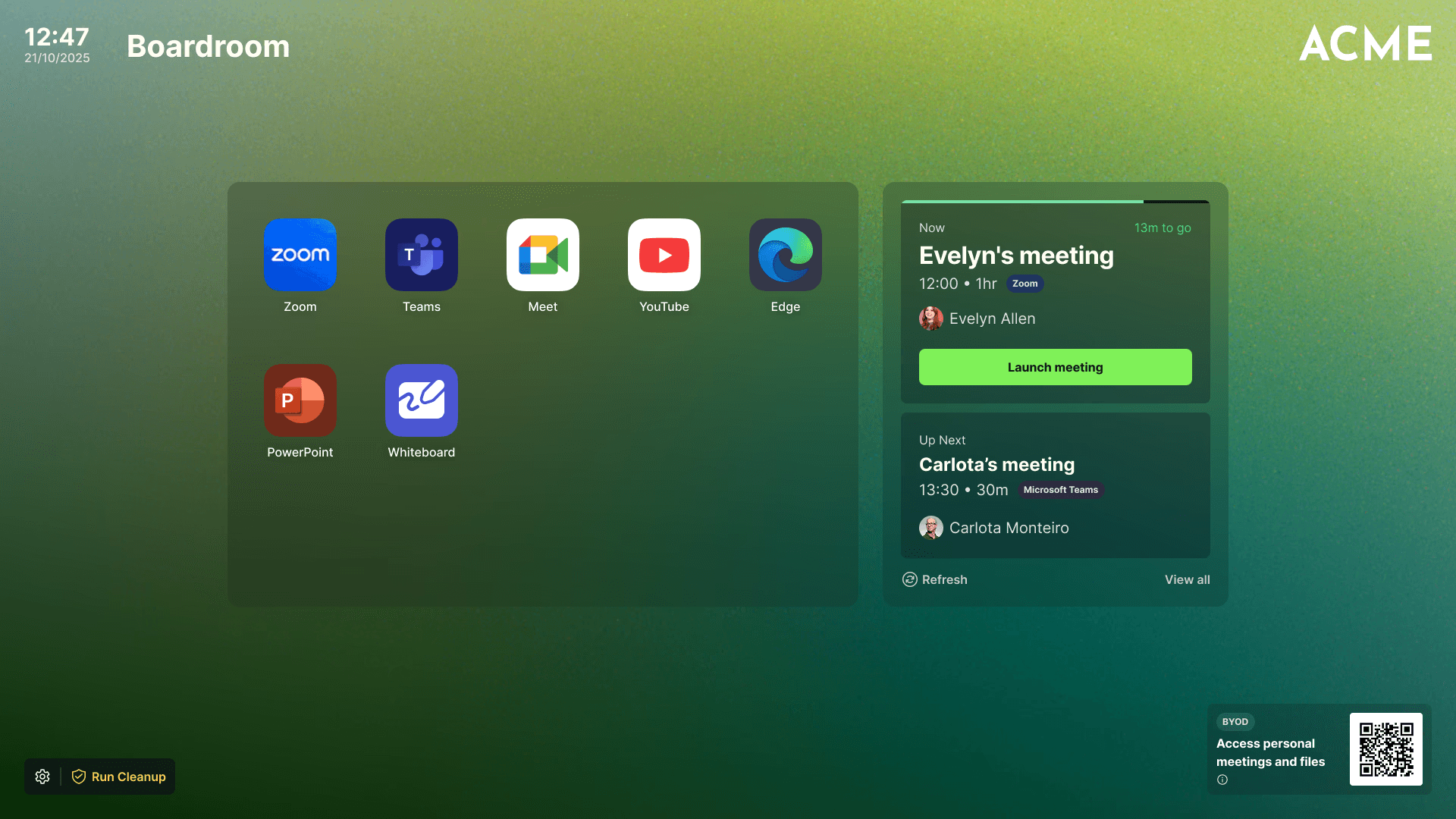
And with Launcher, you don’t just modernize your rooms, you bring every display under one, secure, manageable umbrella.
Vendor agnostic. User friendly. IT approved.
Repurpose What You’ve Got. Reimagine What It Can Do.
This isn’t about compromise. It’s about seeing value where others see end-of-life.
If you’re not ready to rip and replace, there’s another way forward, and it’s already working for organizations rethinking what “upgrade” means.
Extend the life of your screens, upgrade what matters, keep your meeting spaces working smarter.
Related blogs
Create stunning digital products with just a single prompt. No design, coding, or technical skills needed.